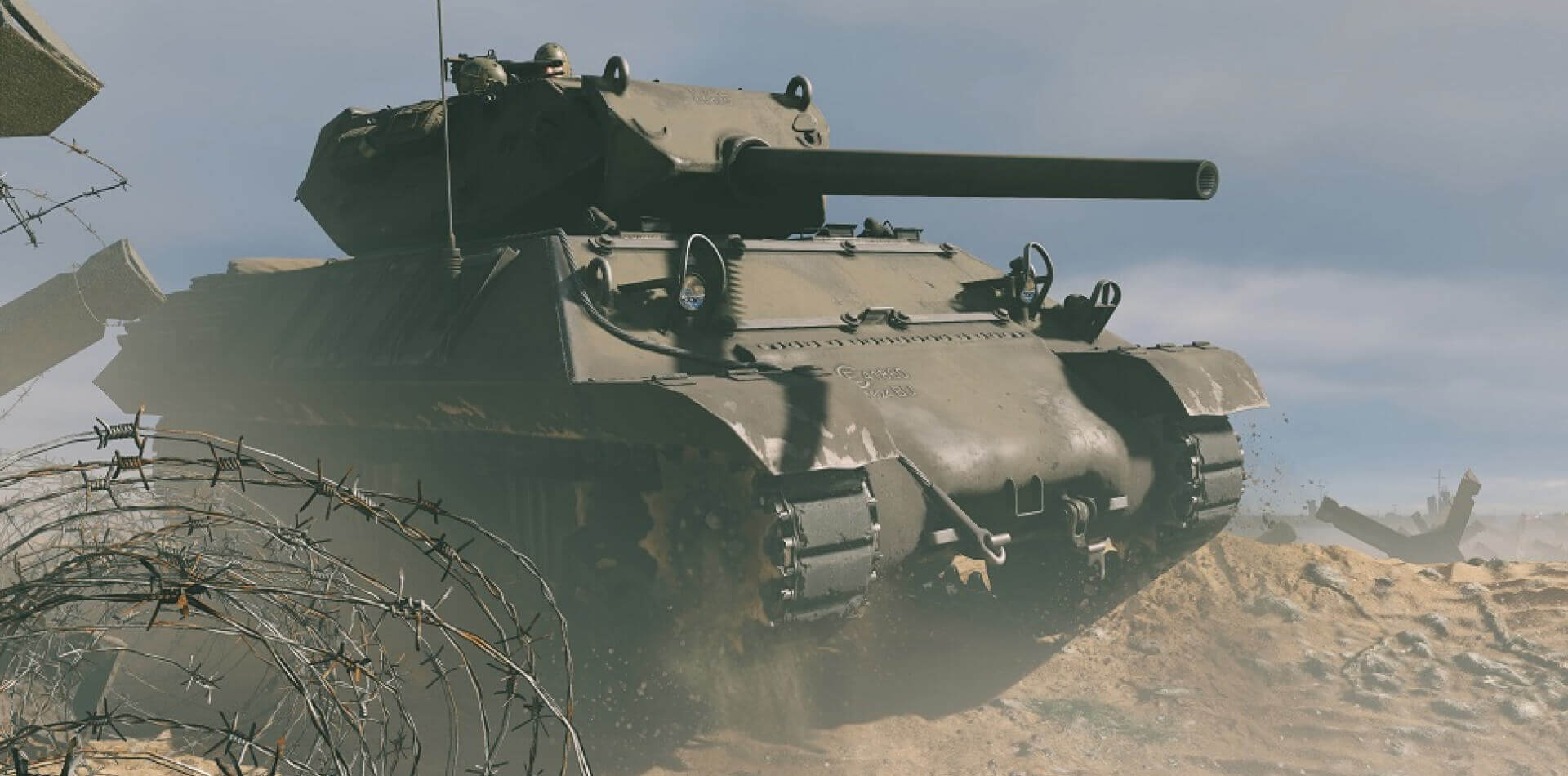
Ray tracing and graphical improvements!
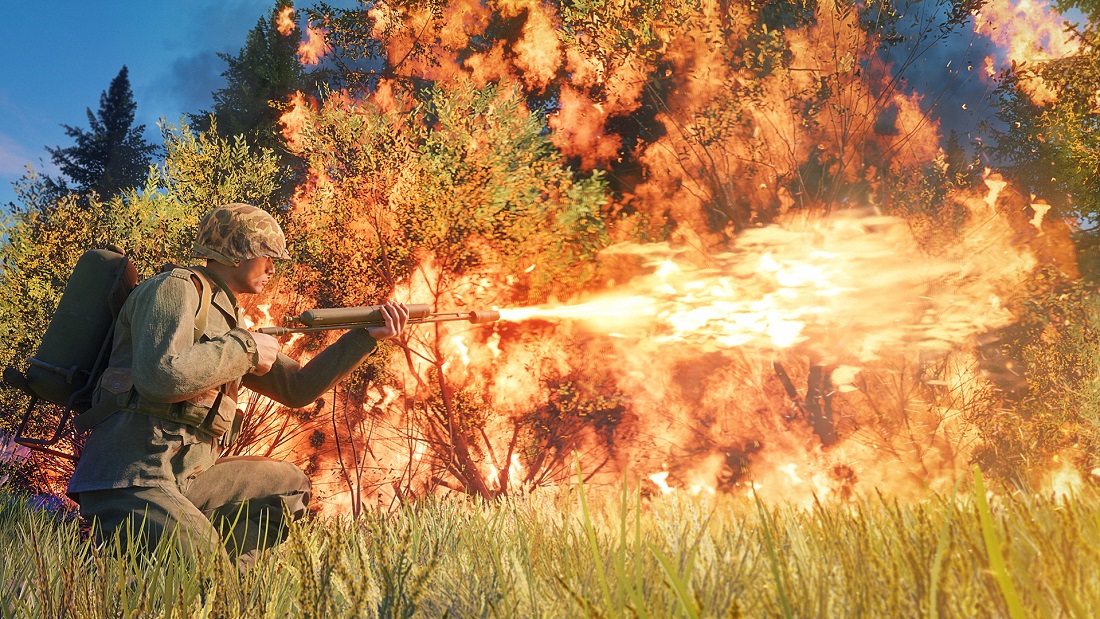
Commanders, this devblog is dedicated to the visual changes coming with the "Hidden Threat" update. It has two parts, the first is about ray tracing, while the second is about general graphical improvements.
Ray tracing
Ray tracing is coming out of the beta phase. This new update brings new ray tracing features, improvements, under the hood optimizations and other additional improvements!
Intel support
We have resolved the Intel specific issues, so now PC players with Intel GPUs can play with ray tracing enabled too!
DLSS Ray Reconstruction (DLSS RR)
DLSS Ray Reconstruction is Nvidia's ray tracing specific upscaler. It works similarly to DLSS, it takes in a low resolution image and temporally accumulates frames to output a high quality result. However ray reconstruction is specifically designed to handle the noisy output of ray tracing.
Our existing pipeline renders the frame in full resolution, then in a lower resolution each ray traced effects get individually denoised and upscaled, then applied to the screen.
Reflections after denoising:
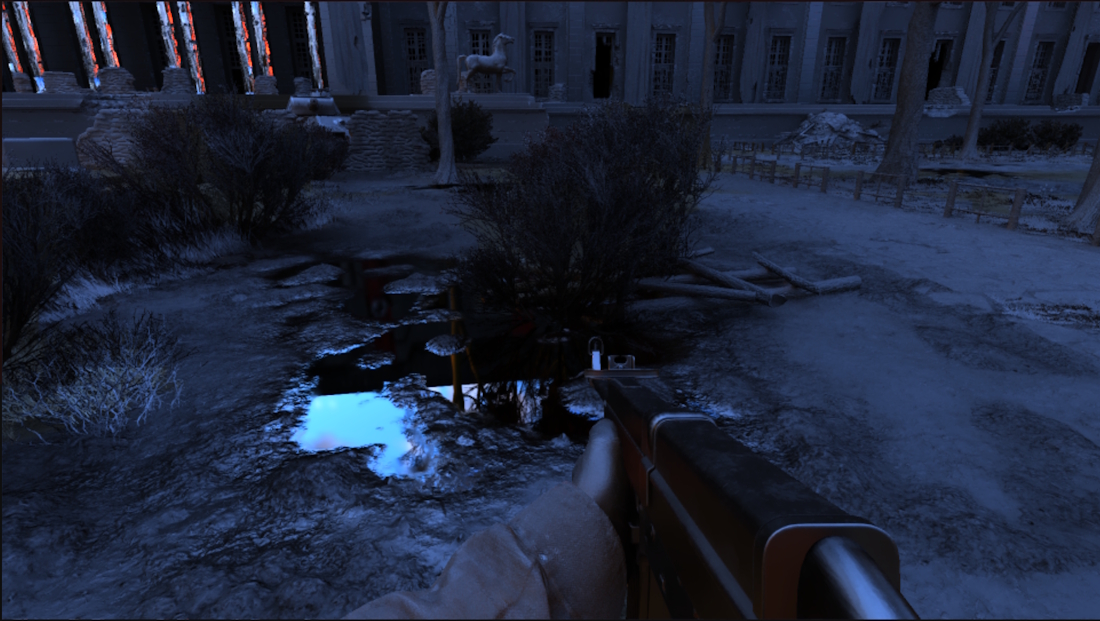
Ambient occlusion after denoising:
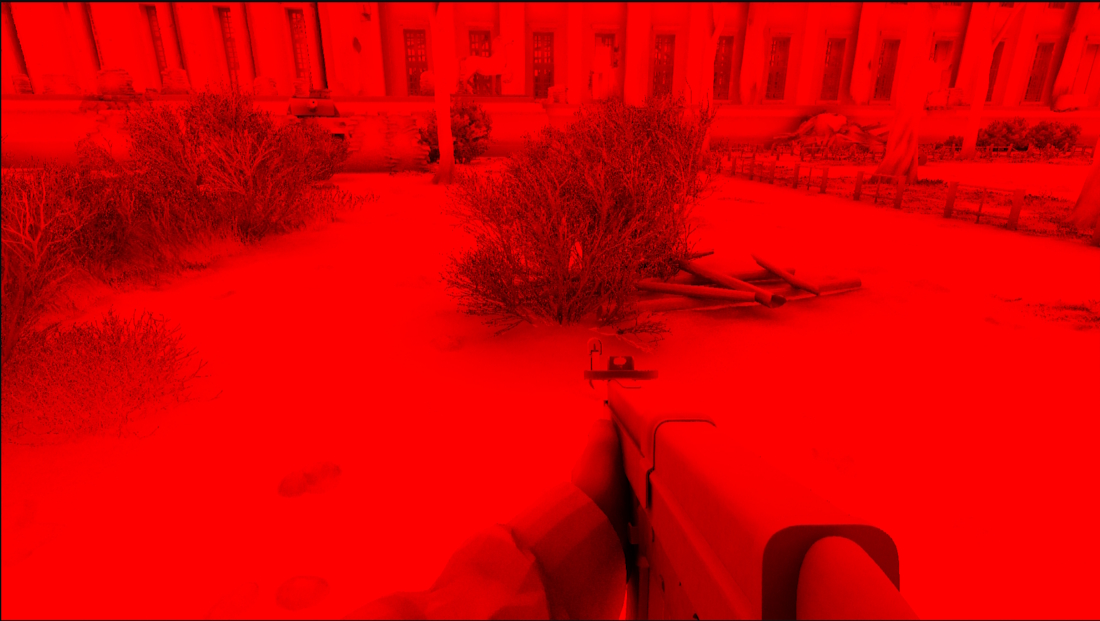
Shadows after denoising:
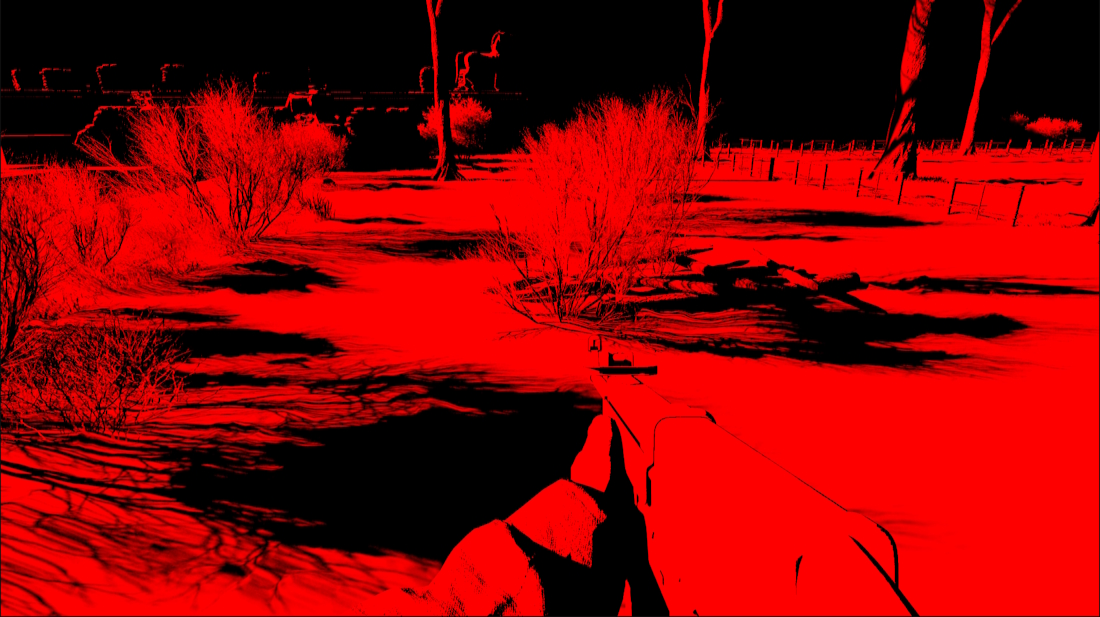
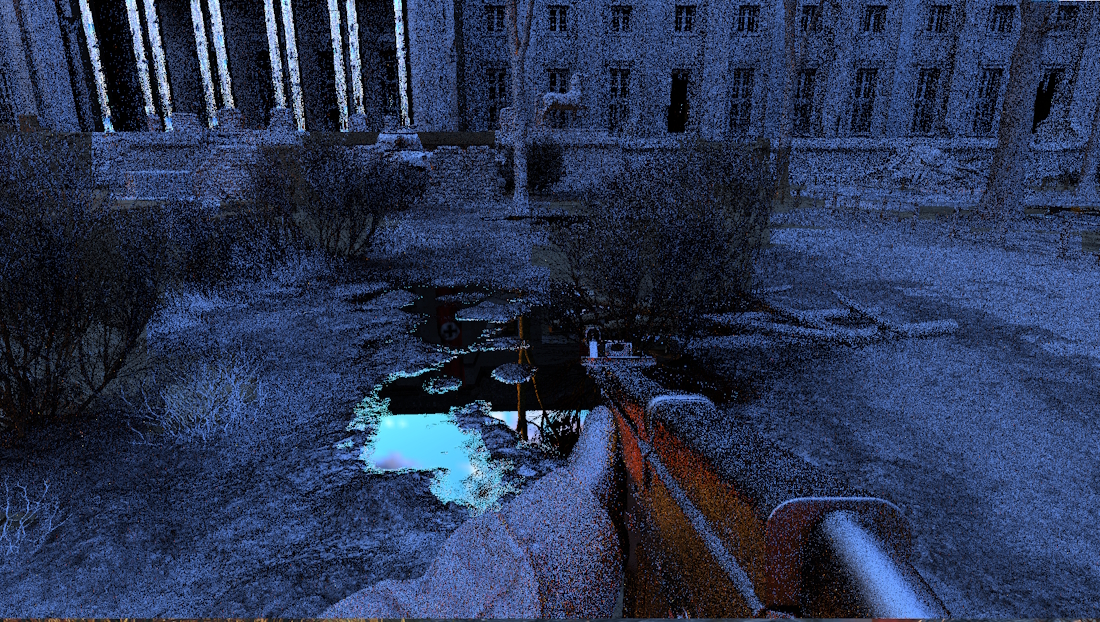
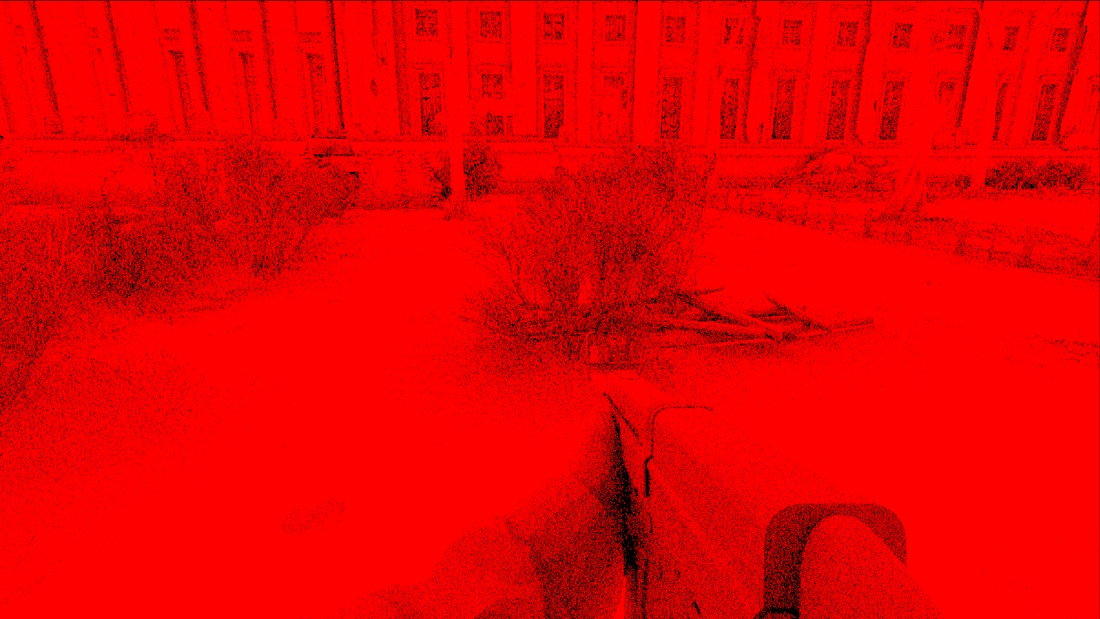
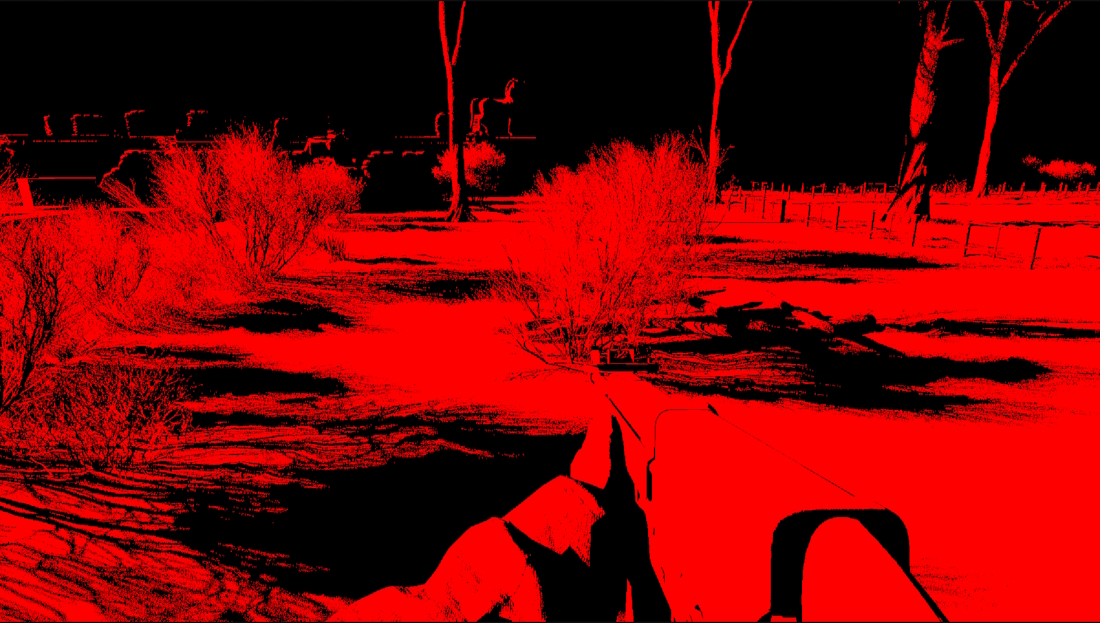
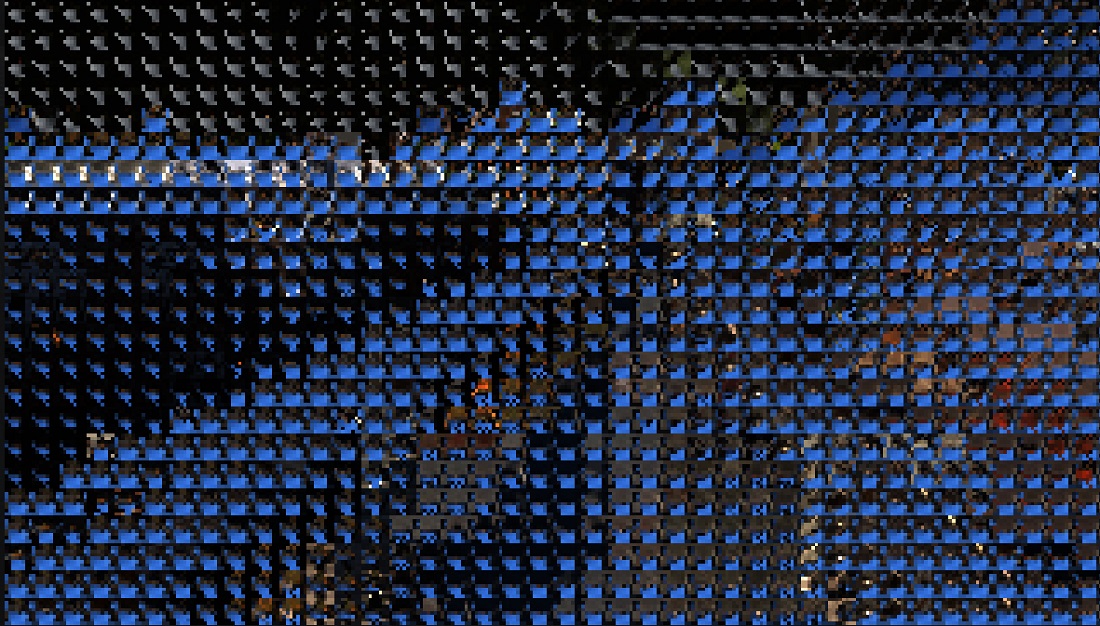
With DLSS Ray Reconstruction we don't need these denoisers, we instead trace the rays in rendering resolution, directly apply the noisy ray traced result to the image and then pass it into DLSS to upscale and denoise at once.
Reflections:
Ambient occlusion:
Shadows:
DLSS RR input:
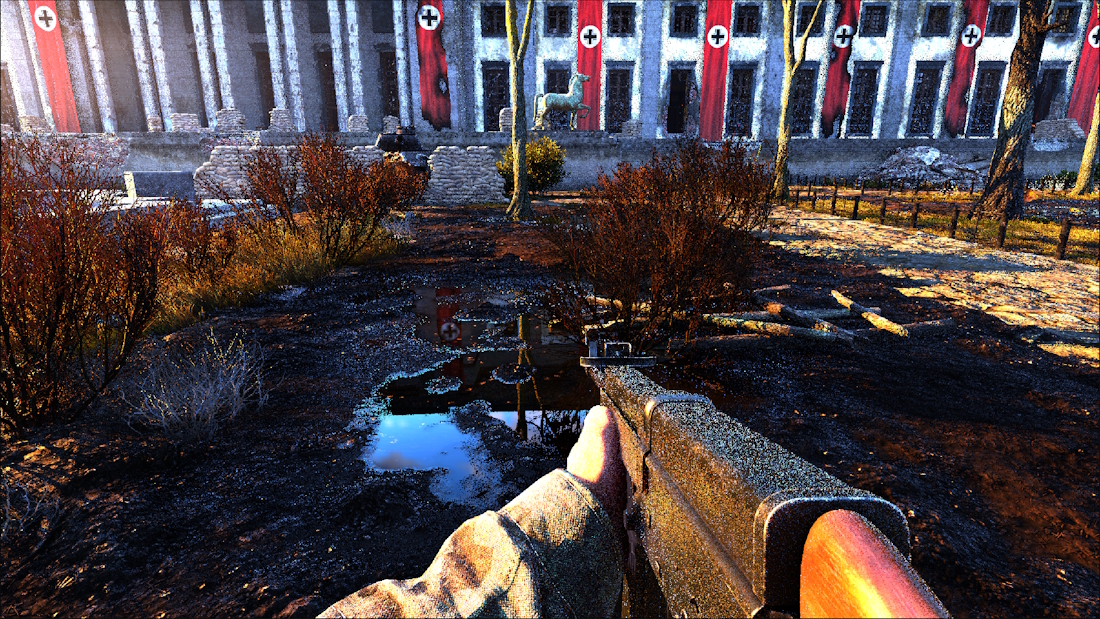
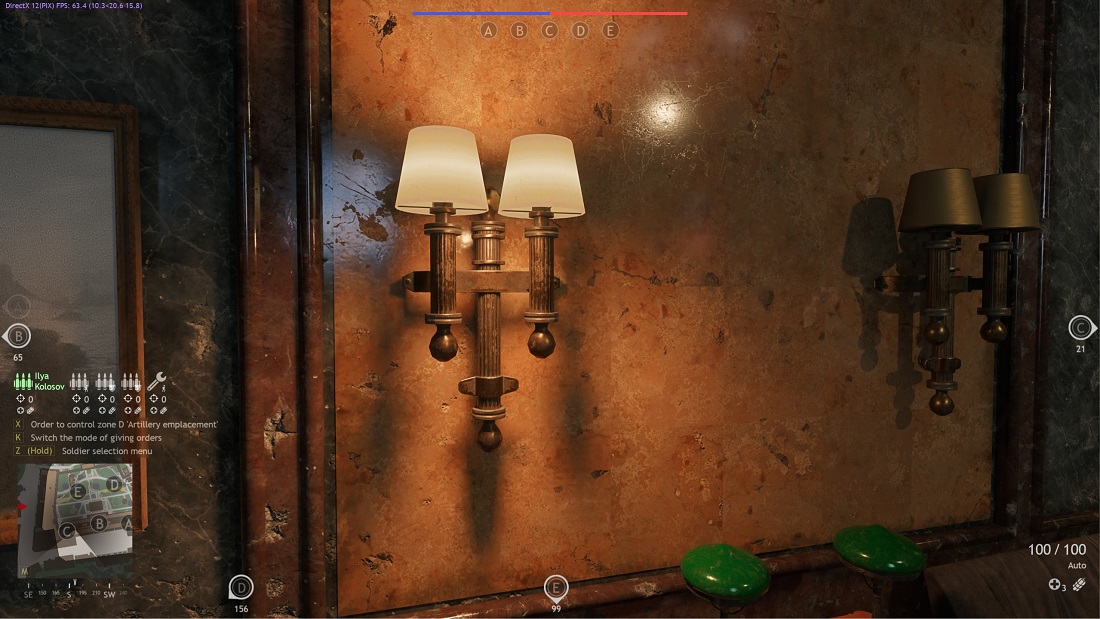
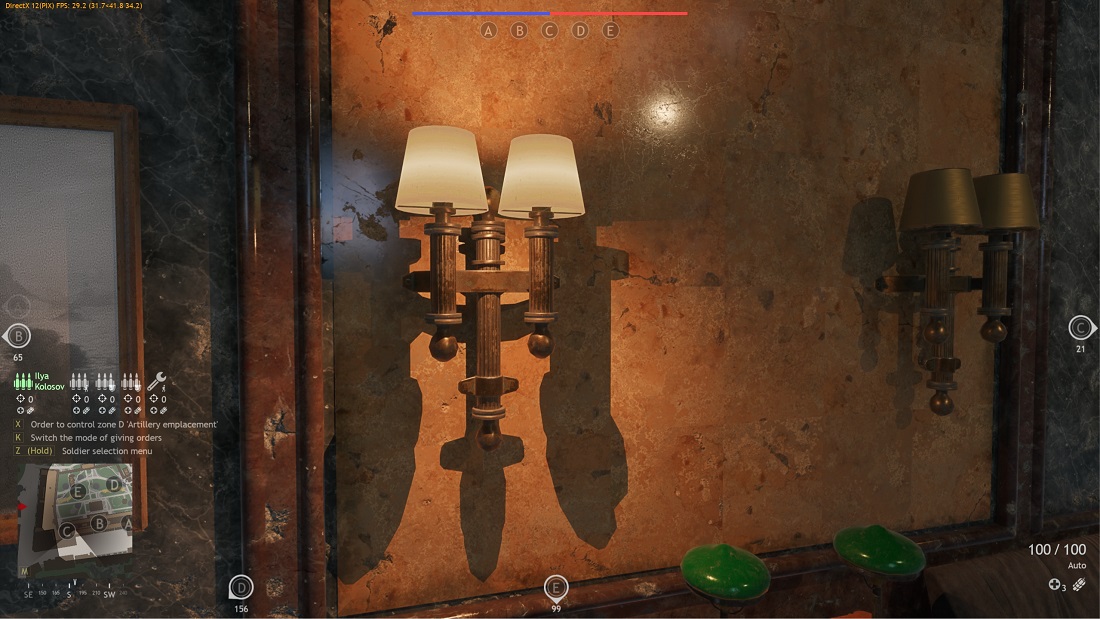
Another thing to note is that thanks to DLSS RR we can make high quality soft shadows on dynamic lights too for no extra performance cost, just by randomizing the direction of the light ray shot towards the lamps for a spherical volume.
With DLSS RR:
Without DLSS RR:
Since DLSS RR requires the ray tracing's resolution to match the render resolution we recommend the "Performance" preset if previously the game was ran without upscaling, alongside enabling all ray traced effects for most efficient utilization of DLSS RR.
Dynamic resolution support
Ray tracing has been released without dynamic resolution support, since we had technical issues. Those issues have been resolved and now it can be enabled with ray tracing, giving you a smoother experience in demanding scenarios.
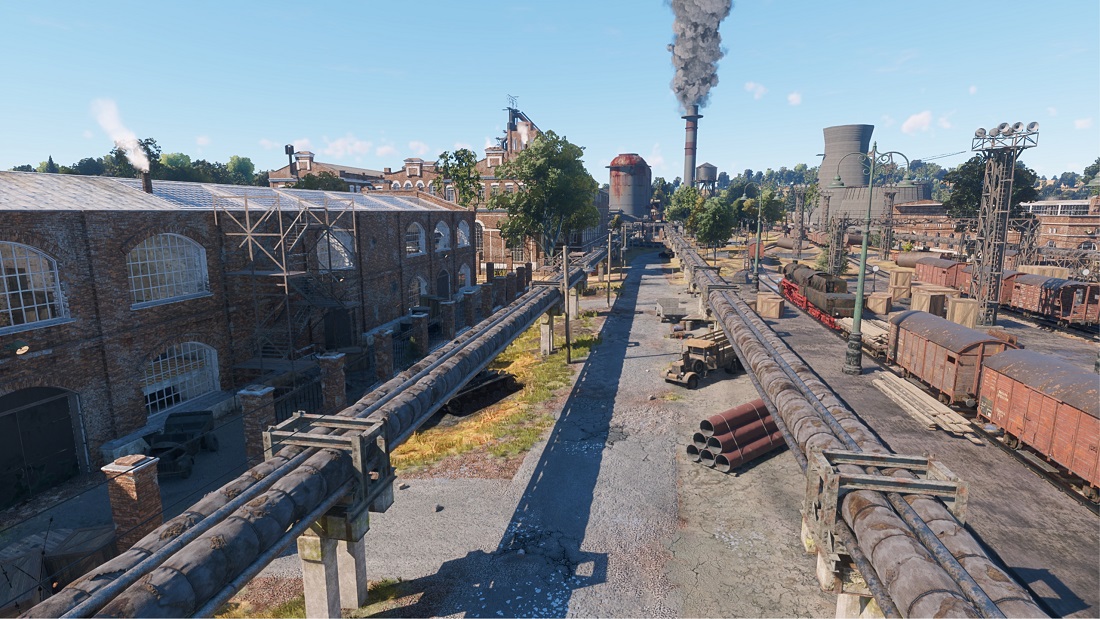
Improved rough reflection using screen probes
Ray traced reflection is using a variable ray length that is calculated based on the roughness of the surface. This ensures that we don't spend too much time tracing surfaces where a clear image will not form anyway. However if the ray is short, we can't know for sure if we didn't hit anything because there is nothing there or because we made the ray too short, so we had to use an approximation based on the GI scene. While this resulted in a cheap and stable image, it was just an approximation and we knew we can do better.
Before reflection calculation we generate a regular grid on the screen, place probes there based on the scene geometry, trace from those probes in all directions in a low resolution and temporally accumulate data using the results from previous frames.
During the reflection calculation these probes can be used instead of the old fallback, if they are close to the traced pixel. This allows for the sky to physically accurately light up the rough surfaces, such as concrete, without adding a significant performance overhead.
No screen probes:
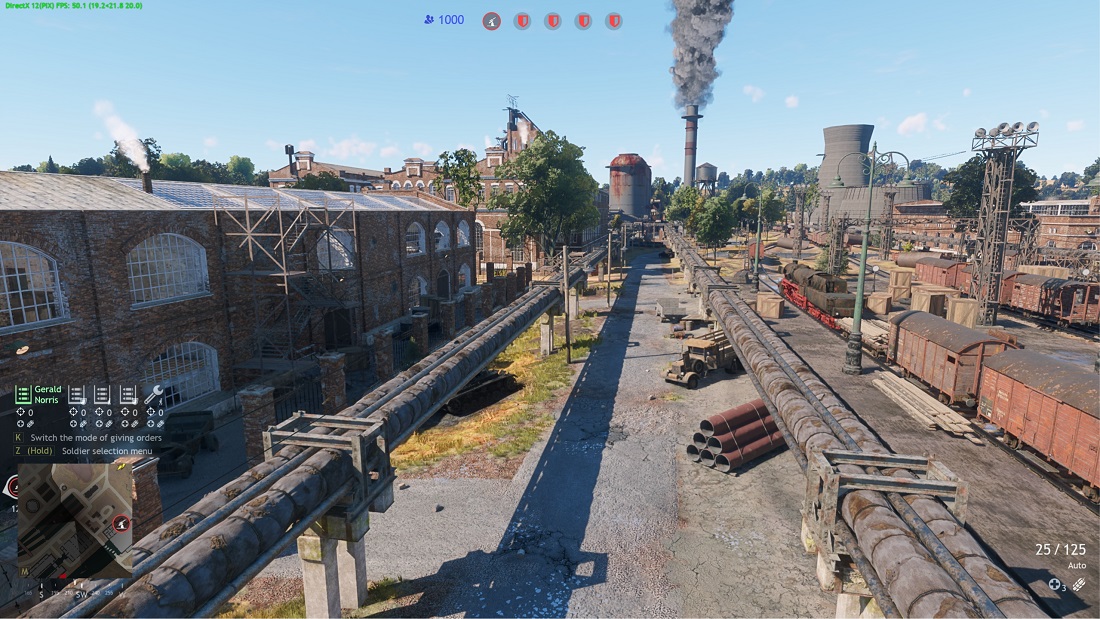
With screen probes:
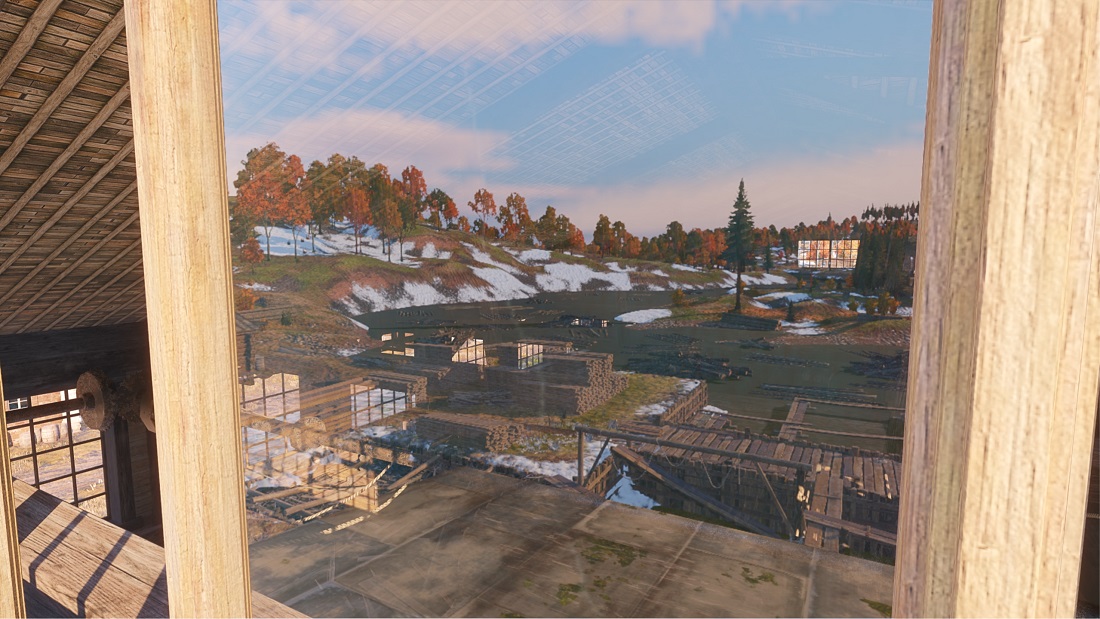
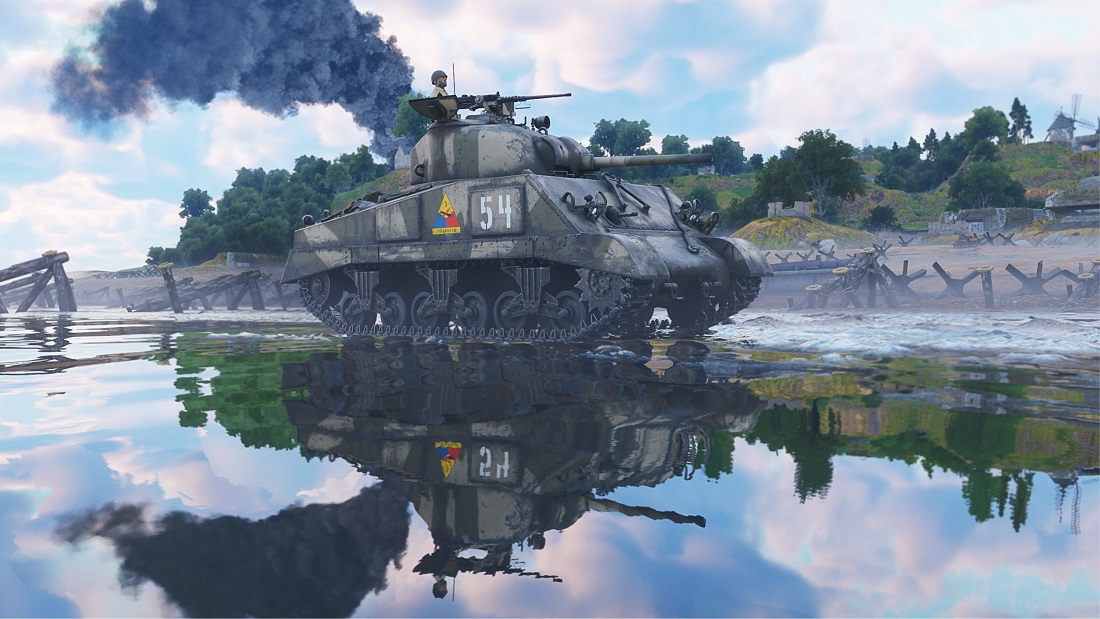
Extended BVH scene
While most objects rendered in the world were added to the BVH, some were missing, but we have now added them.
Water can now be seen in reflections.
Decals on tanks and other vehicles now appear too.
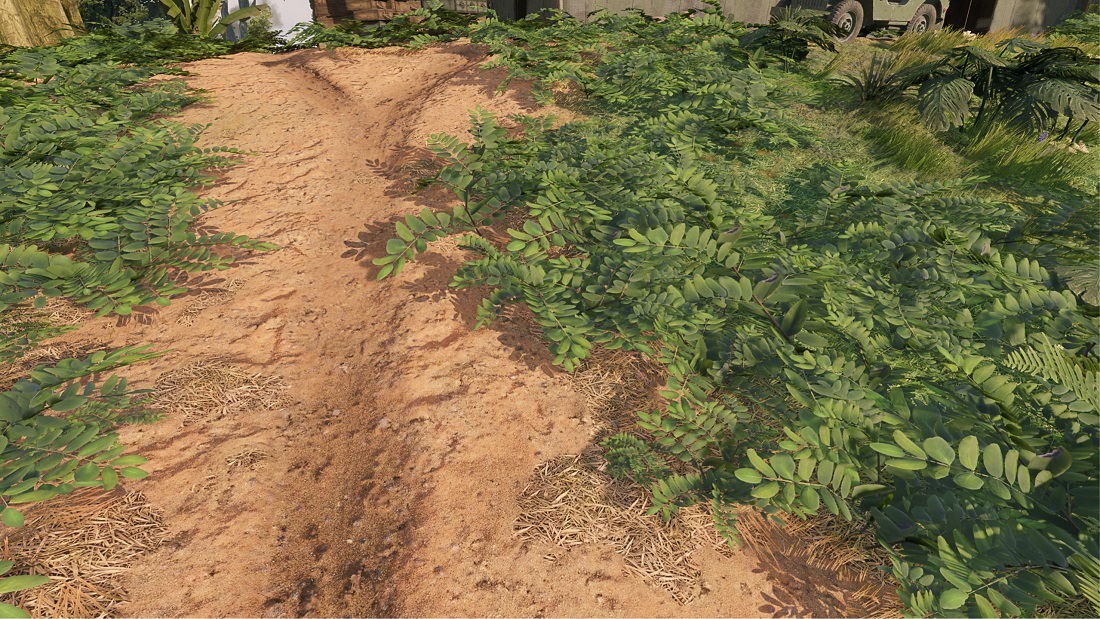
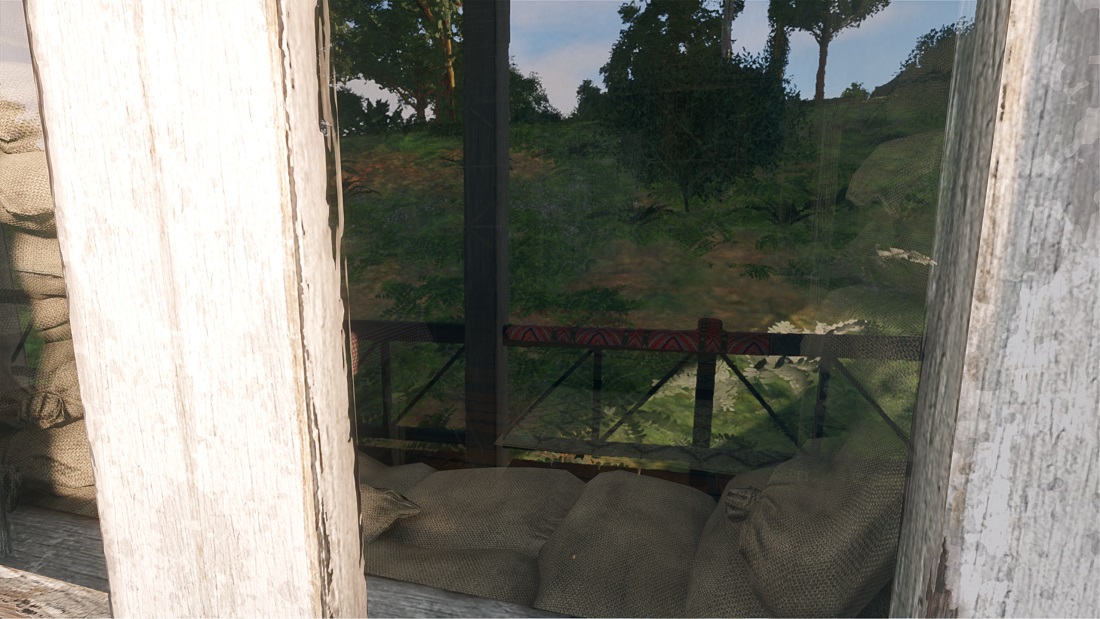
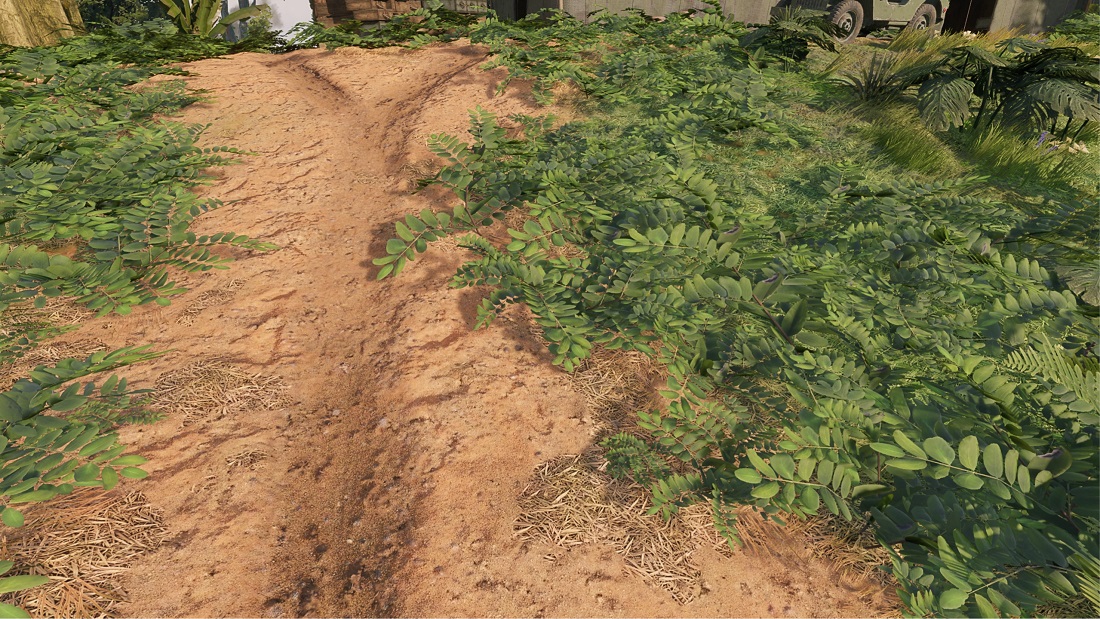
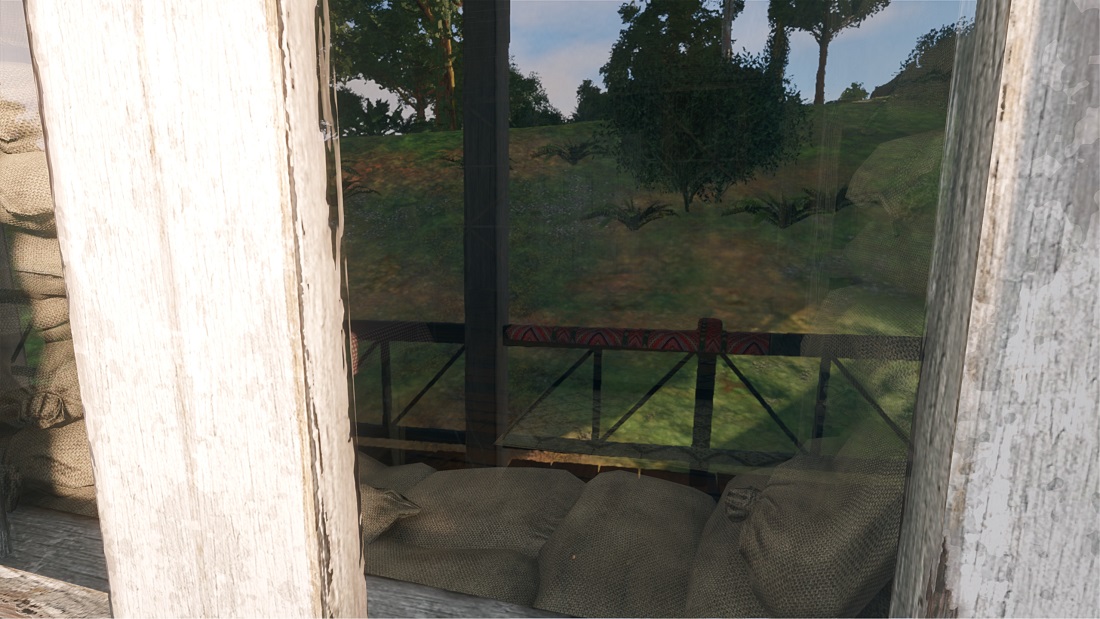
Grass, foliage and miscellaneous clutter was added too. Because this one has a moderate performance overhead, this is a setting that you can enable or disable anytime in the graphics options.
With foliage:
No foliage:
And there is more!
In this section we will tell you about the non-ray tracing features of the upcoming major update.
Burning vegetation
We have added the ability to burn vegetation using fire based weaponry, like flamethrowers, Molotov cocktails and even incendiary bombs.
Setting a tree on fire will cause it to spread all over it, spawning fire effects. The bark gets charred with embers glowing and as the fire spreads, the leaves burn down and disappear, leaving only the trunk standing, which might collapse under its own weight.
Grass and ground foliage can also be burned. The foliage will burn down in a similar fashion as the trees, leaving mere stubs of the grass. There is also an animated decal spawning on the terrain, which then will switch to a static decal to save on performance.
And all of this is synced between players, so you will see the same result no matter where you were on the map when the foliage was burned down.
Antialiasing update
We have also updated the antialiasing options. The setting for quality presets has been unified, so that switching between antialiasing modes keeps the same values.
Nvidia DLSS
DLSS has been updated to its newest 4.5 version. It brings image quality improvements, primarily targeting the Performance and Ultra Performance presets. Due to its performance cost we added an option for model selection, so the faster legacy preset or slower new preset can be either explicitly selected, by default the game selects based on the GPU generation.
AMD FSR
AMD FSR has been updated to 4.0, bringing image quality improvements for the latest AMD GPUs supporting the neural network based implementation.
Intel XeSS
We have also updated to XeSS 2.
Disintegration effect for destroyed objects
Destroyed objects, like doors and windows, now have a disintegration animation instead of just sinking into the ground.
Improved animations on effects
We have added improved animations for our effect system. Previously we just switched between key frames, but now with motion vectors for each of them, we can interpolate the key frames smoothly, which makes effects a lot more pleasant to look at.
Improved shadows of particles
Calculating shadows per pixel on all transparent effects is very expensive. Instead we calculate shadows into a voxel grid around the camera and any particle effect that's close can just sample that. With this we can have high quality shadows on effects without a massive performance overhead.
Before:
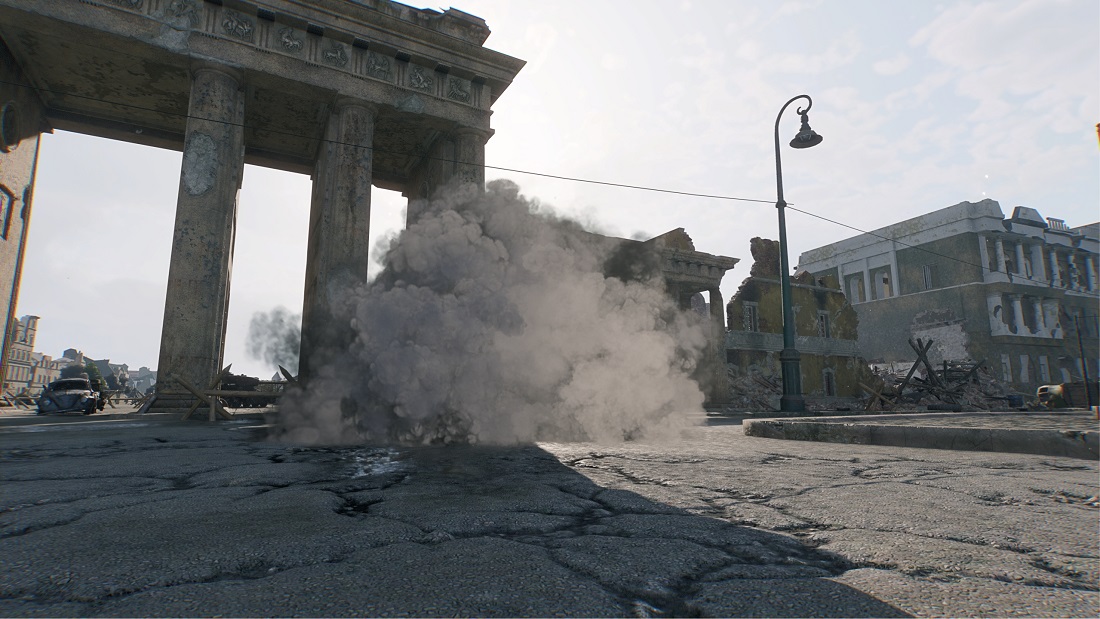
After:
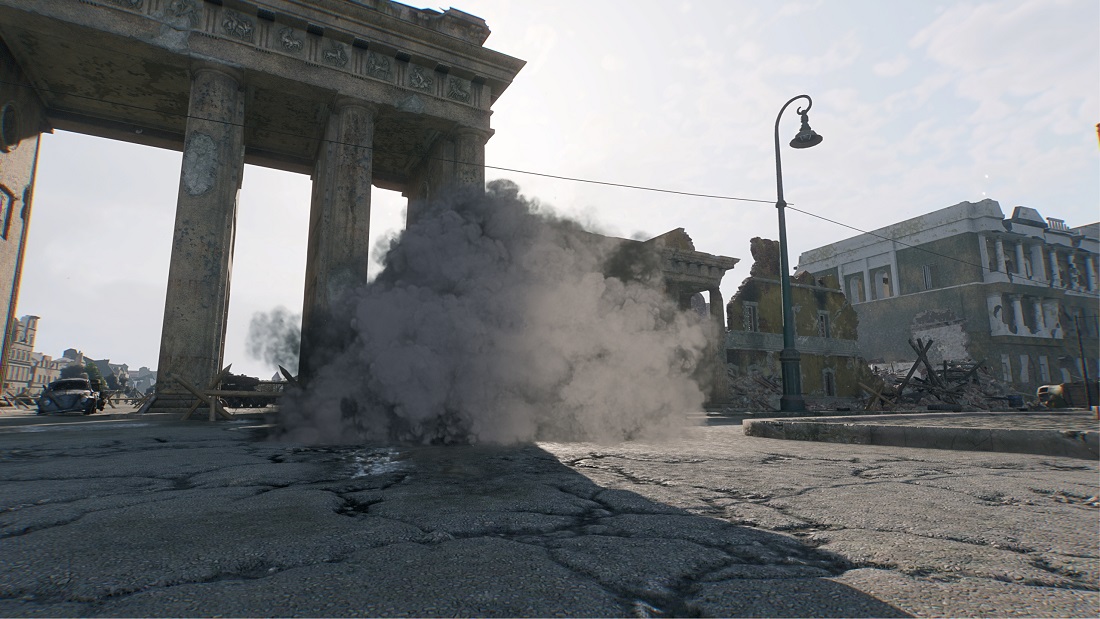
The full potential of this feature can be enabled by setting the shadow quality to ultra. On qualities below, this technique is still used to make the per vertex shadow calculation on effects a lot more stable than before.
Improved rain
We have reworked our rain. The simulation of rain has been moved to the GPU, this allows the maximum particle count to go up significantly. We now also have a support for rain density map based on the cloud density in the sky. We also introduced levels of detail for rain based on the "Resolution of Visual Effects" setting, so at higher resolutions the rain covers a bigger area. Plus we now have a more realistic rain refraction, as each rain particle can now have a proper distortion.
Improved visibility for muzzle flashes
The guns produce a significant amount of smoke and while that's realistic, in some scenarios it can significantly hamper visibility. To improve the gameplay experience we dynamically balance the alpha of these smoke effects so that you don't lose visibility when shooting from a bright location into a dark room for example.
Improved ripples on water from vehicles
We have also improved the water ripple simulation. Previously, the interaction of vehicles with water were represented by simple, non-physical circular ripples. The new system now accounts for the specific shape of the vehicle's hull, creating a proper "bow wave" that physically pushes the water forward as you drive.
We added dynamic foam generation too. Previously absent, foam is now generated physically correctly by strong water ripples - whether caused by a moving tank, bullet impacts, or other interactions. Consequently, the physical parameters for how projectiles generate waves have also been improved and tuned for greater realism.
Implementing these physics-based fluid interactions required a rework of our graphics presets. While the improvements are visible generally, the ripples from dynamic objects are significantly more detailed when the "Water Ripples Quality" is set to Ultra.
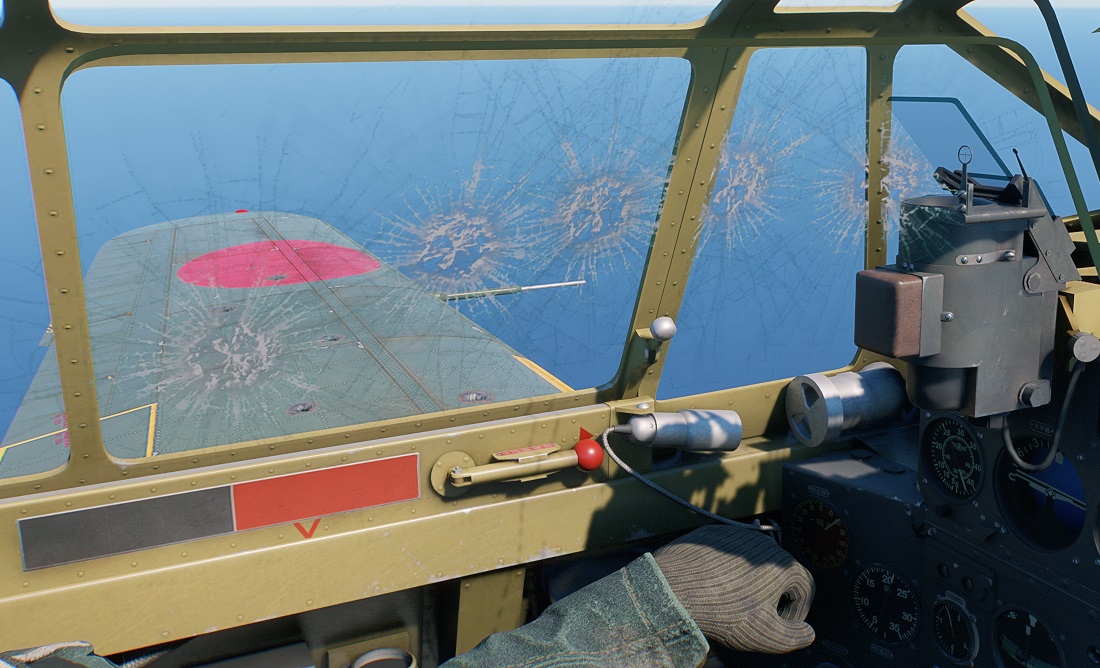
Hit marks on aircraft
We have added support for the display of hit marks on aircraft, which are visible both from the outside and from inside the cockpit.
There are many more smaller improvements in the update that couldn't make it into this devblog, but we hope that you will enjoy these changes in the game soon when the update goes live.
See you on the battlefield, commanders, but don't forget to stop once in a while and just admire your surroundings!